
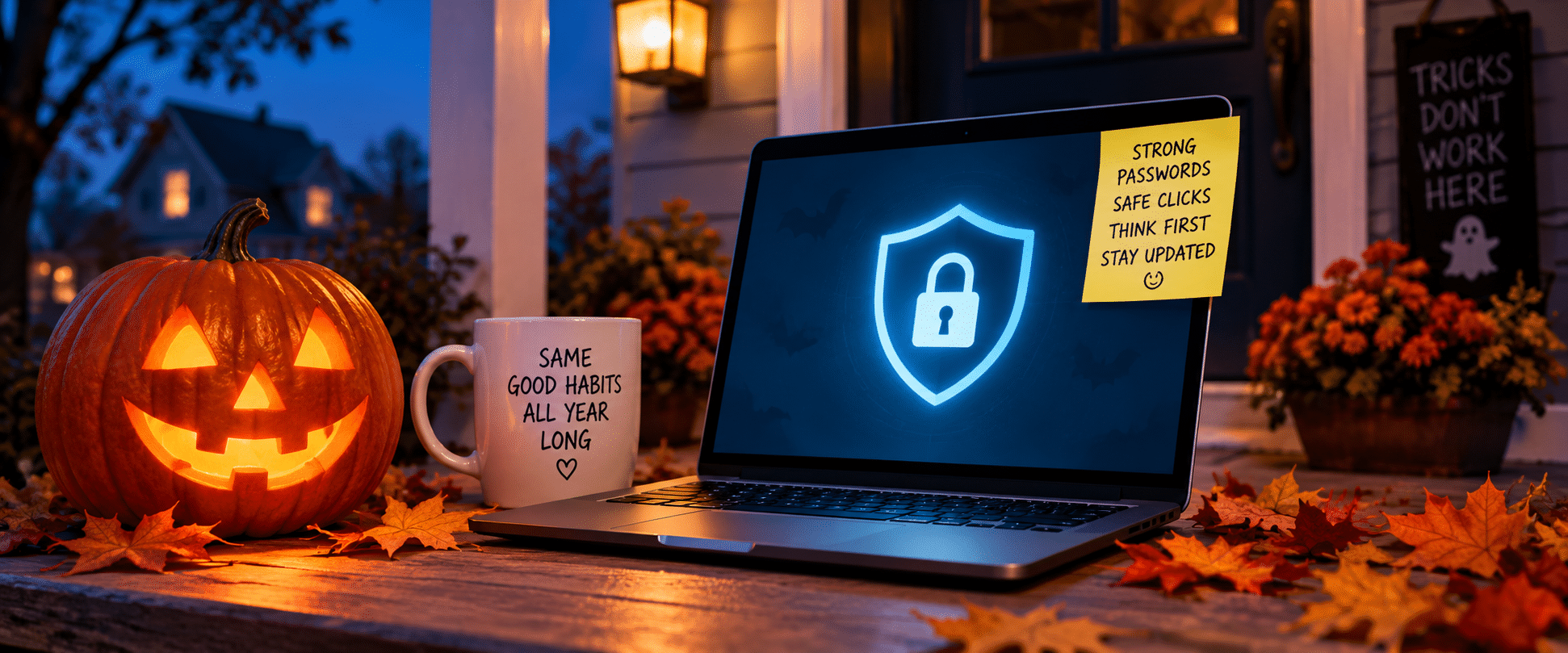
October brings pumpkins, costumes and trick-or-treating. It’s also Cybersecurity Awareness Month — a good reminder that some of the scariest tricks aren’t at your front door. They can show up in your inbox, text messages or search results.
The good news: You don’t need to be a technology expert to protect yourself. A few smart habits can help you spot the tricks, avoid the traps and keep your electric account — and other online accounts — safer.
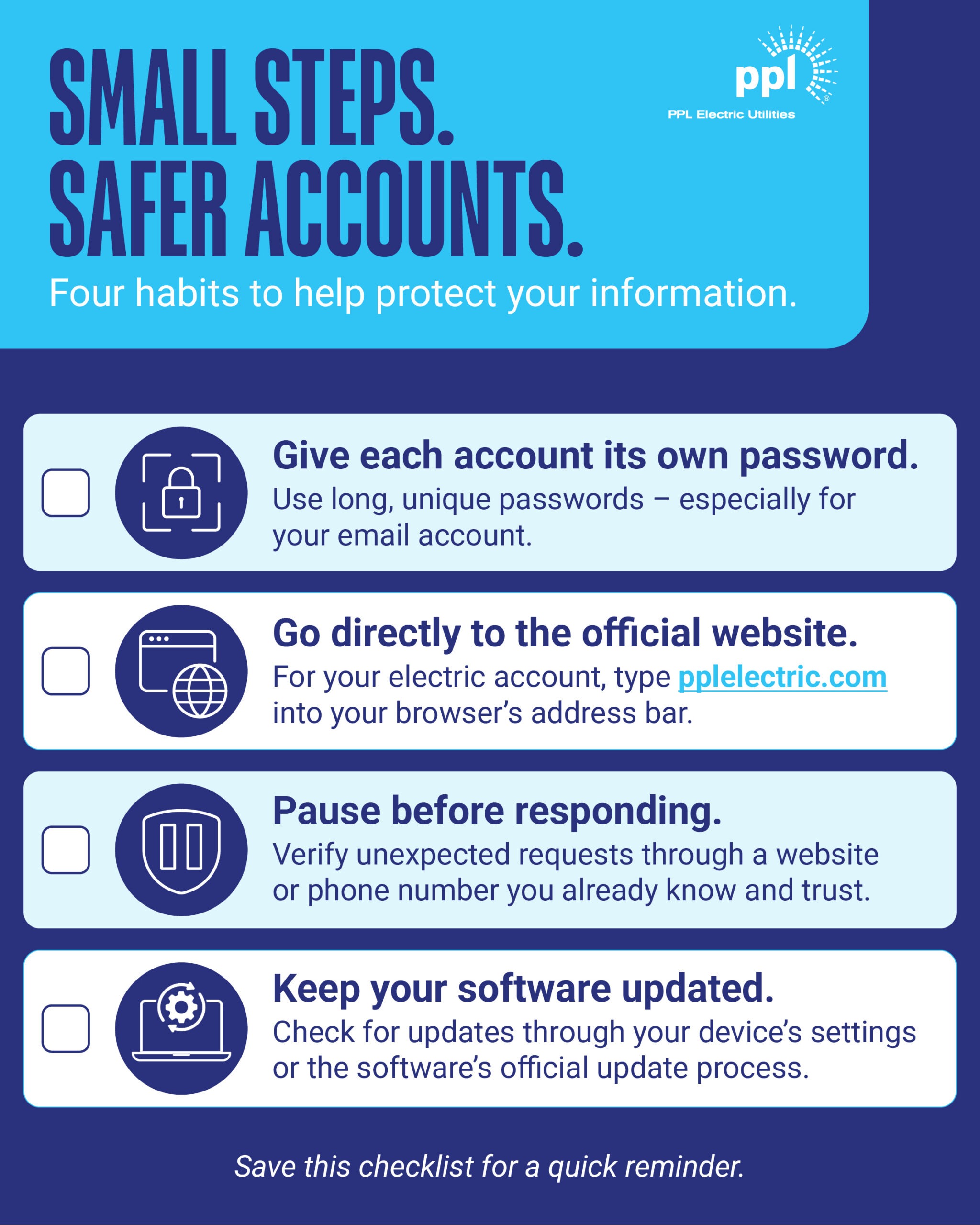
1. Don’t let one password unlock the whole haunted house.
Reusing the same password across several accounts may feel convenient, but it can put more than one account at risk. If a scammer gets that password, they may try it on your email, banking, shopping or utility accounts.
Choose a long, unique password for each account. A password manager can help you create and store different passwords so you don’t have to memorize them all.
Another option is a passphrase: several random words used together as a password. Avoid familiar sayings, song lyrics or movie quotes that could be easier to guess.
What does a passphrase look like? Think of unrelated words strung together, such as “cactus ribbon planet otter velvet lantern.” This is just an example — not a password to copy. Create your own combination and use it for only one account.
Give your email account special attention. Password-reset links for other accounts often arrive in your inbox. Someone who gets into your email could use those links to gain access to other accounts, so protecting your inbox helps protect more than your messages.
A useful first step: Replace a password you’ve reused with one you don’t use anywhere else.
2. Look twice before you enter the digital doorway.
Scammers can set up lookalike websites or buy search ads that use a trusted company’s name. At a glance, those pages can seem legitimate — but they may be designed to collect payments, passwords or personal information.
For your PPL Electric account, type pplelectric.com directly into your browser’s address bar, rather than searching for a payment page. Don’t assume a search result or advertisement belongs to PPL Electric just because it includes our name.
The same habit applies to other bills: use the website address or phone number printed on your bill instead of relying on unfamiliar search results.
3. Treat urgent messages like a jump scare: pause first.
An unexpected text says your bill is overdue. An email claims there’s a problem with your payment information. A message asks you to confirm account details right away. These urgent requests can be a trick to get you to share information or follow a harmful link. A familiar company name or logo can be part of the disguise — it doesn’t prove a message is legitimate.
Before responding, check the request through a separate, trusted channel. Don’t click suspicious links or open unexpected attachments. Use a website or phone number you already know is legitimate — not the contact information provided in the questionable message.
For a message about your PPL Electric account, open your browser and type pplelectric.com directly into the address bar to check your account. You can also call 1-800-342-5775 to verify a concern. You don’t have to decide whether a message is real based on its appearance alone.
4. Keep your devices from turning into a haunted house.
Software updates aren’t just about new features or a fresher look. They can also fix security weaknesses in the phones, computers, browsers and apps you use to manage your accounts. Install available updates and turn on automatic updates where available.
Be careful about where you get those updates. Scammers also advertise fake software downloads and use pop-up security warnings to get people to contact fraudulent tech-support services. Don’t follow an unfamiliar download advertisement or call a number displayed in an unexpected security pop-up.
Instead, check for updates through your device settings or the software’s official update process. Start with the phone or computer you use to pay bills or check email, and check whether automatic updates are turned on.
If the trick worked, take action quickly.
There are steps you can take. If you shared a password, change it through the account’s official website and on any other account where you used the same password. If you paid a scammer, promptly contact the bank, card issuer, or payment service you used and ask whether the payment can be reversed.
If you think a scammer has your personal or financial information, the Federal Trade Commission’s IdentityTheft.gov website provides steps based on the information involved.
This fall, make cybersecurity part of your routine.
Start with one simple step today: replace a reused password, check your device for updates or go directly to the official website before signing in. Small habits like these can help you avoid online tricks — not just at Halloween, but all year long.
For more information about recognizing and avoiding utility scams, visit pplelectric.com/scams. To verify a concern or report a suspected PPL Electric scam, call 1-800-342-5775.
Good, sound advise that I have been
Following to keep frauds and scammers at bay.
Is there any kind of help to save on your electric bill because of being disabled?
Good morning, Michael,
Thank you for reaching out. Unfortunately, there are no programs specifically for the disabled. There are programs available for lower income households. Please visit https://www.pplelectric.com/site/Ways-to-Save/Assistance-Programs for more information and to apply. Thank you!
I’m glad my information is safe withyou